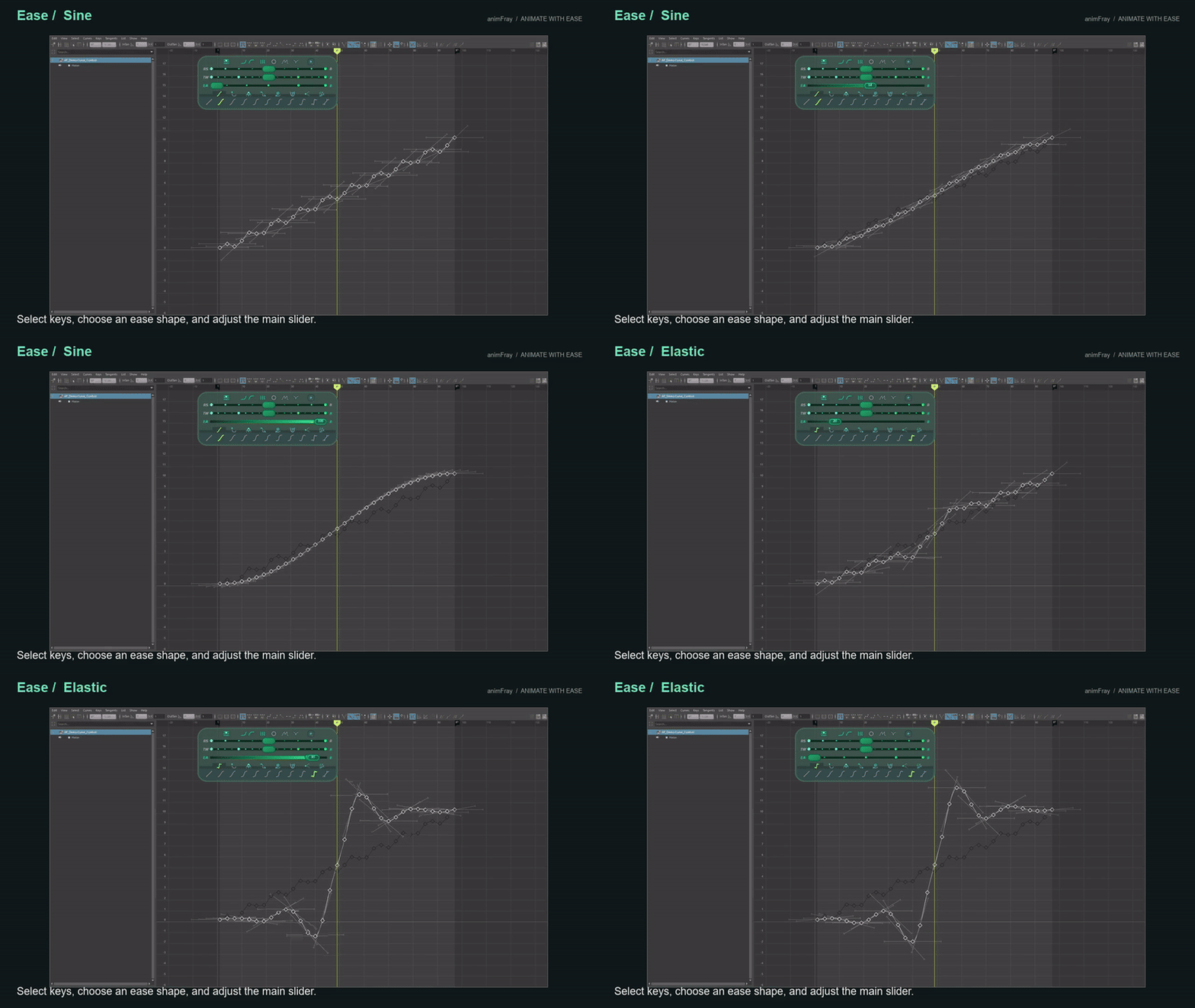
Ease shapes
Shape selected keys with Linear, Sine, Quad, Cubic, Quart, Quint, Expo, Bevel, Overshoot, Elastic and Bounce. Adjust the strength with the main slider.
Watch Ease shapes →
 animFrayANIMATE WITH EASE
That's why I built EasyFreak. I use it inside Maya's Graph Editor every day, whether I'm pushing a cartoony pose or working with mocap for a game or VFX shot. It gives me the curve controls I kept wanting when editing keyframes one by one was getting in the way.
Open a feature for the full demo.
Shape selected keys with Linear, Sine, Quad, Cubic, Quart, Quint, Expo, Bevel, Overshoot, Elastic and Bounce. Adjust the strength with the main slider.
Watch Ease shapes →
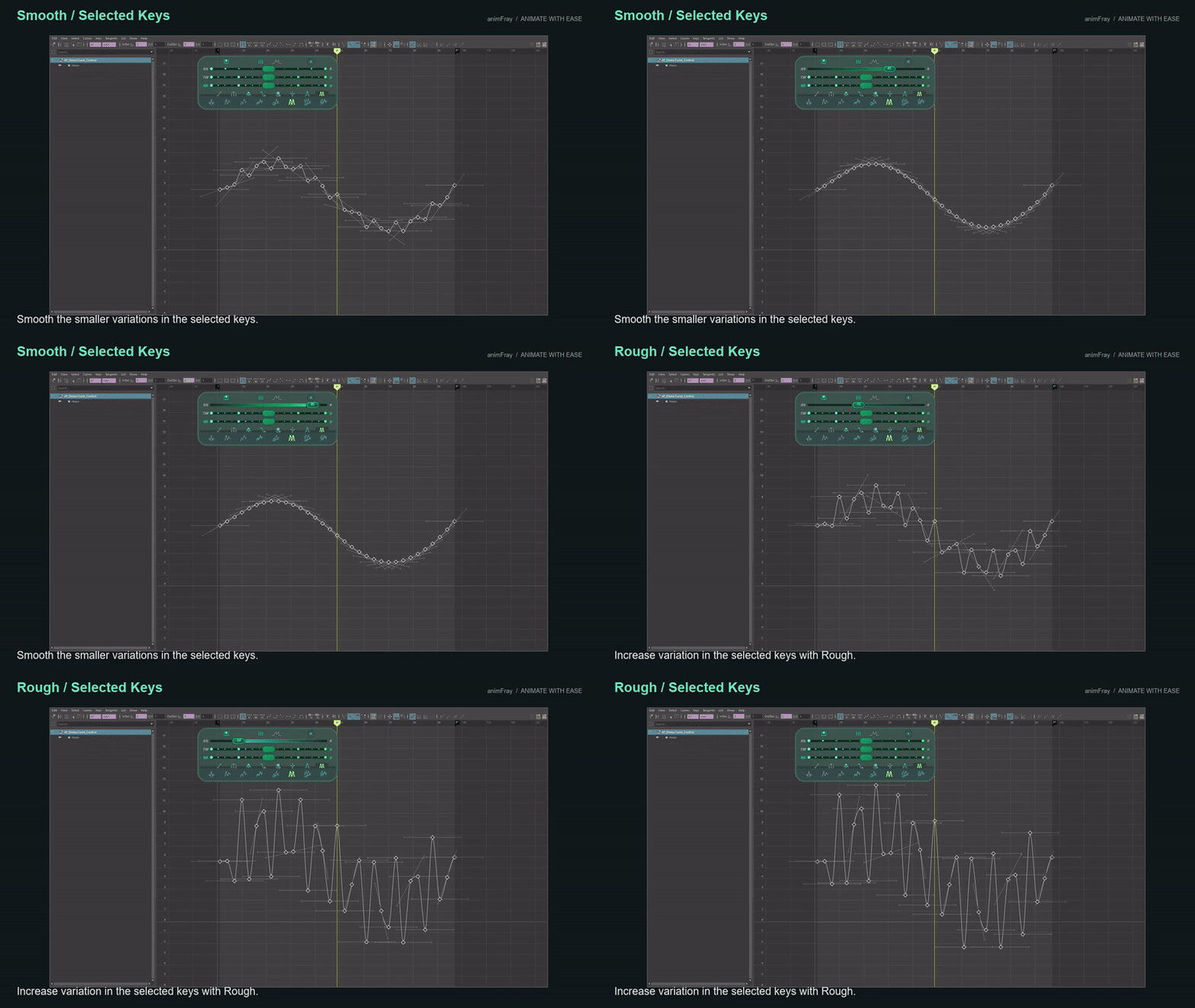
Clean up small variations, add roughness, or blend key values with the dedicated Rough/Smooth and Tween sliders.
Watch Smooth, Rough and Tween →
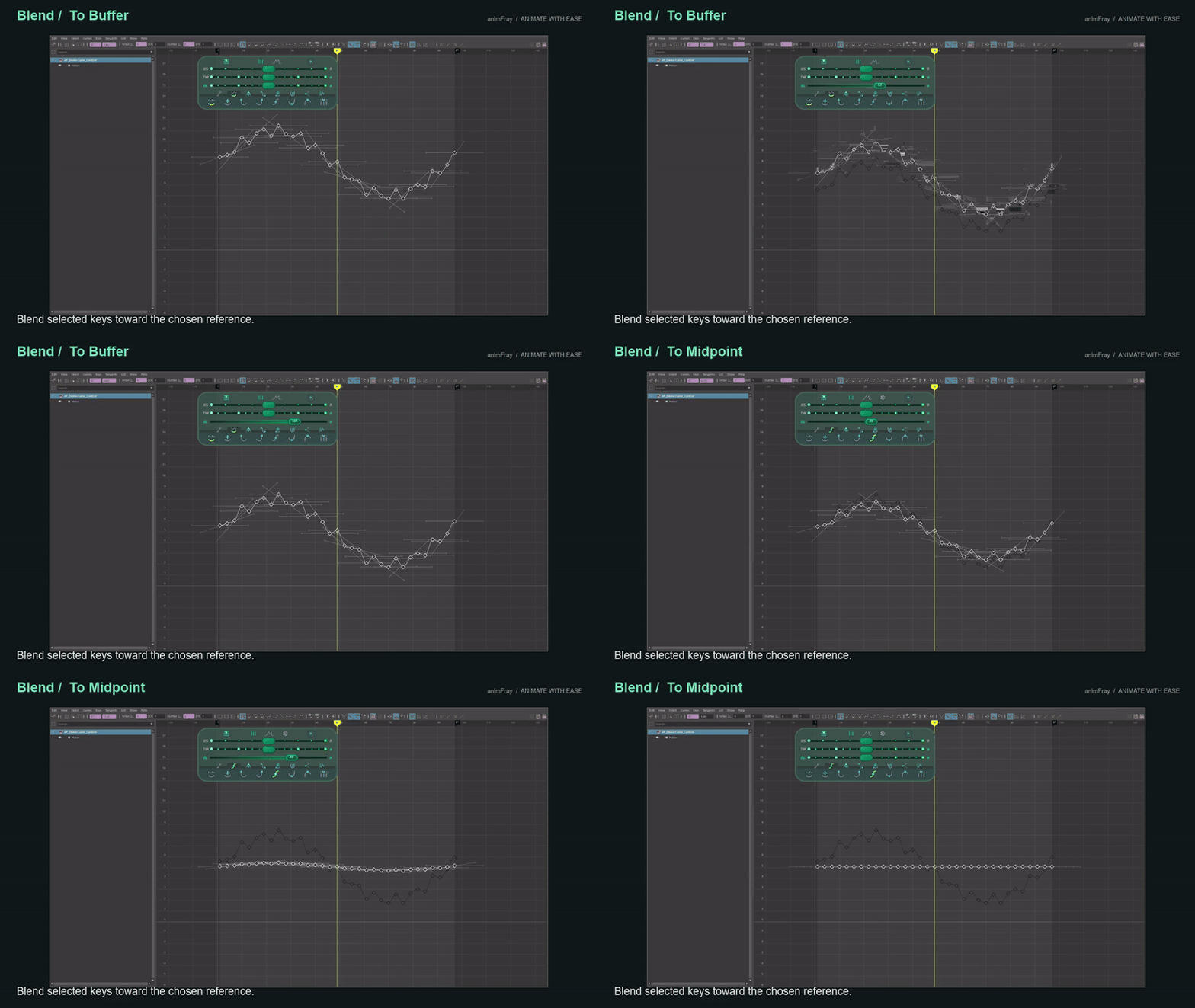
Blend toward a buffered curve, default value, left or right key, midpoint, minimum, maximum, or the current frame.
Watch Blend and Buffer →
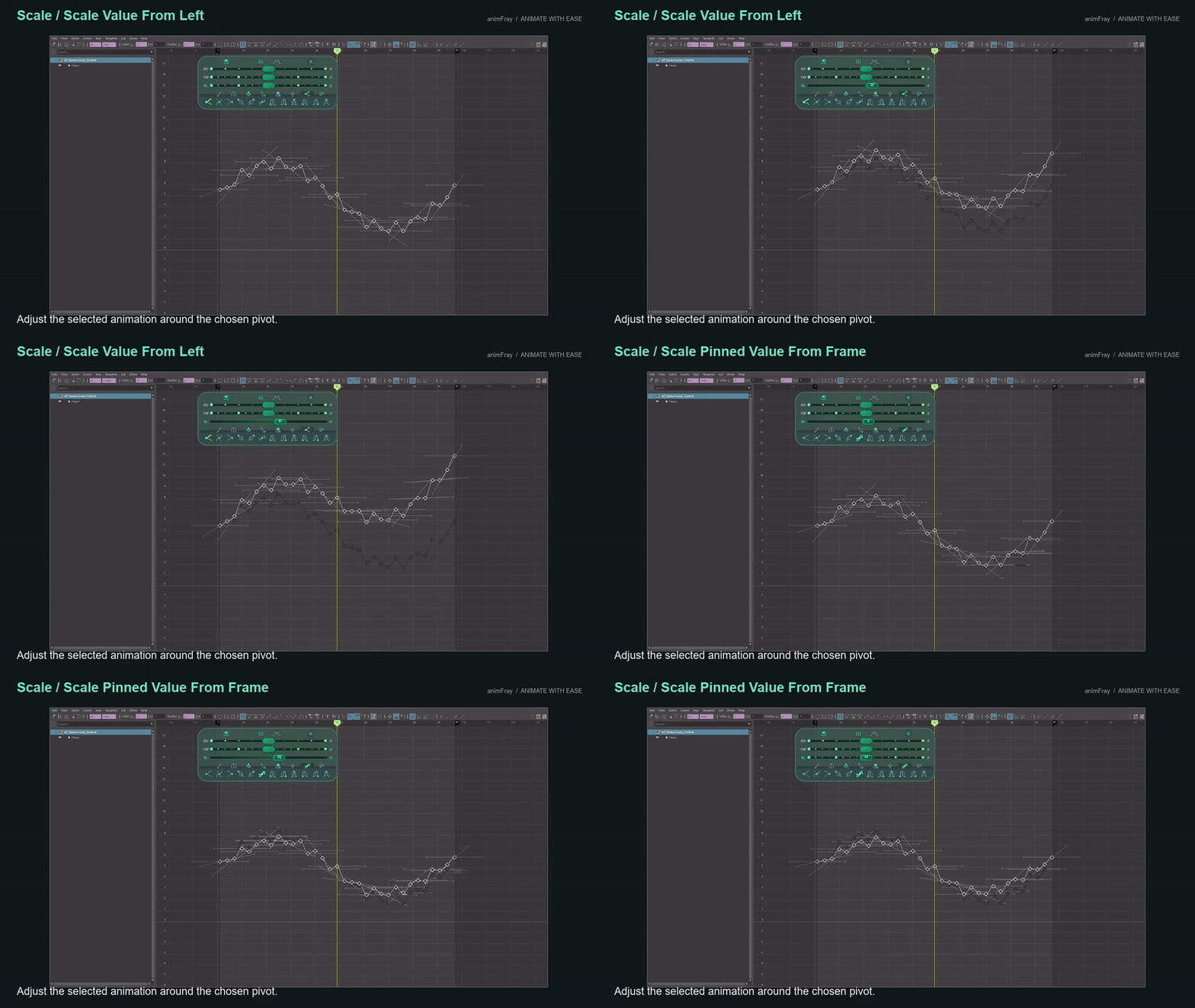
Scale values around the left, right or current-frame pivot. Pro adds pinned-value modes for shaping the range around an anchor.
Watch Value Scale and Pin →
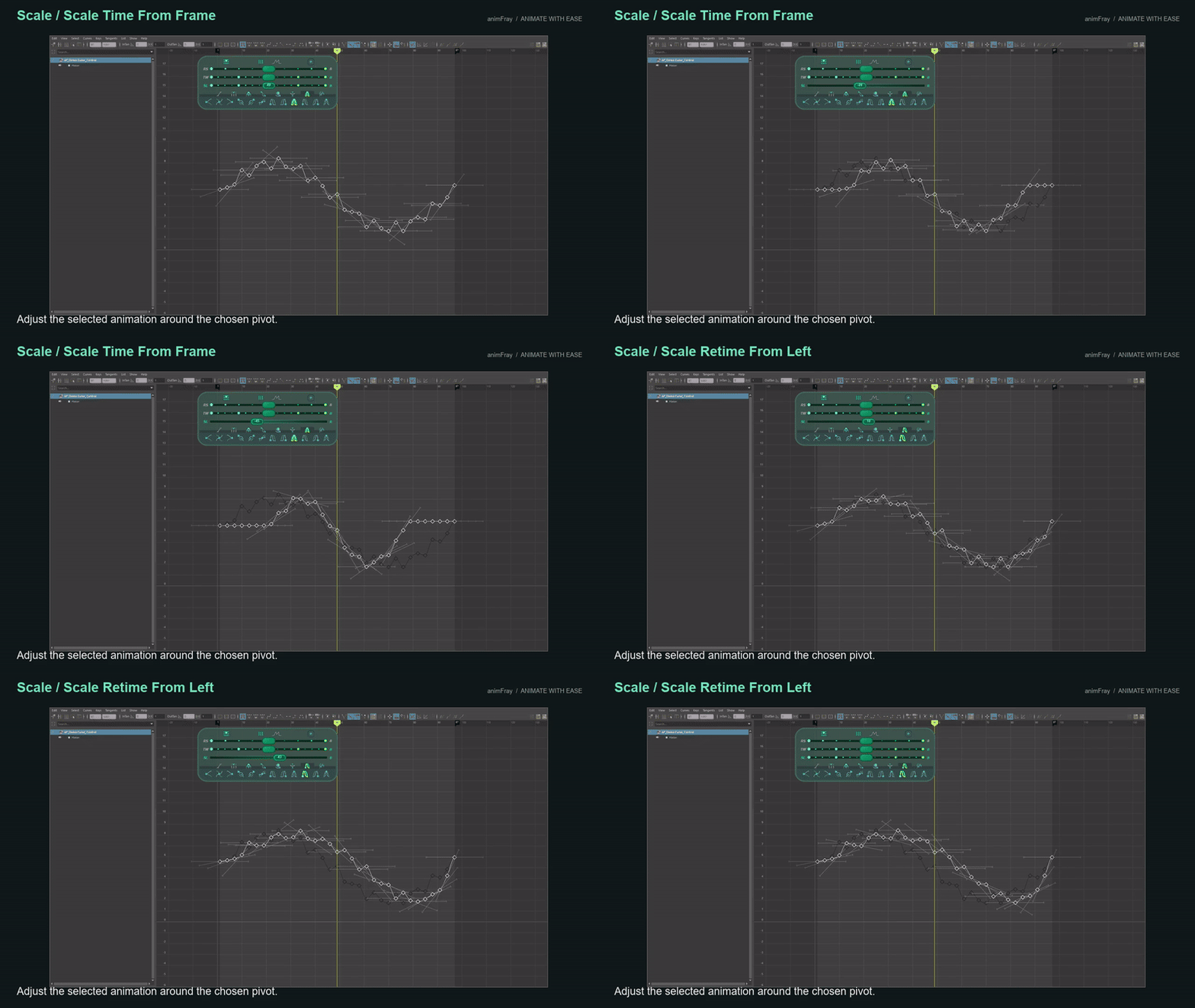
Stretch or redistribute the sampled motion around left, right or current-frame pivots while keeping existing key times. See the result on curves and in a character shot.
Watch Time Scale and Retime →
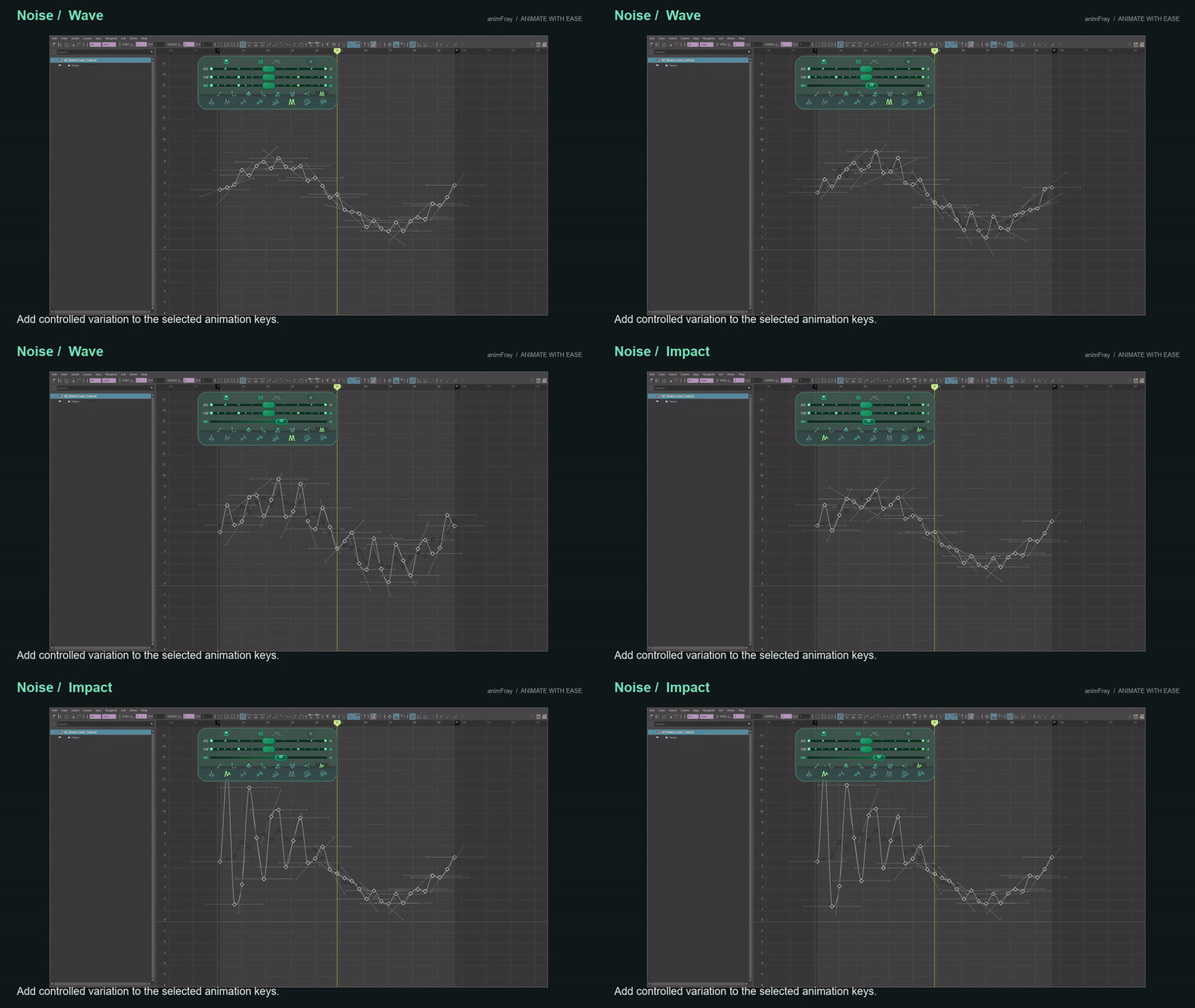
Add random variation or a wave, then explore Pro Pulse, Impact and Landscape methods. Control the amount on selected keys.
Watch Noise, Wave, Pulse and Impact →
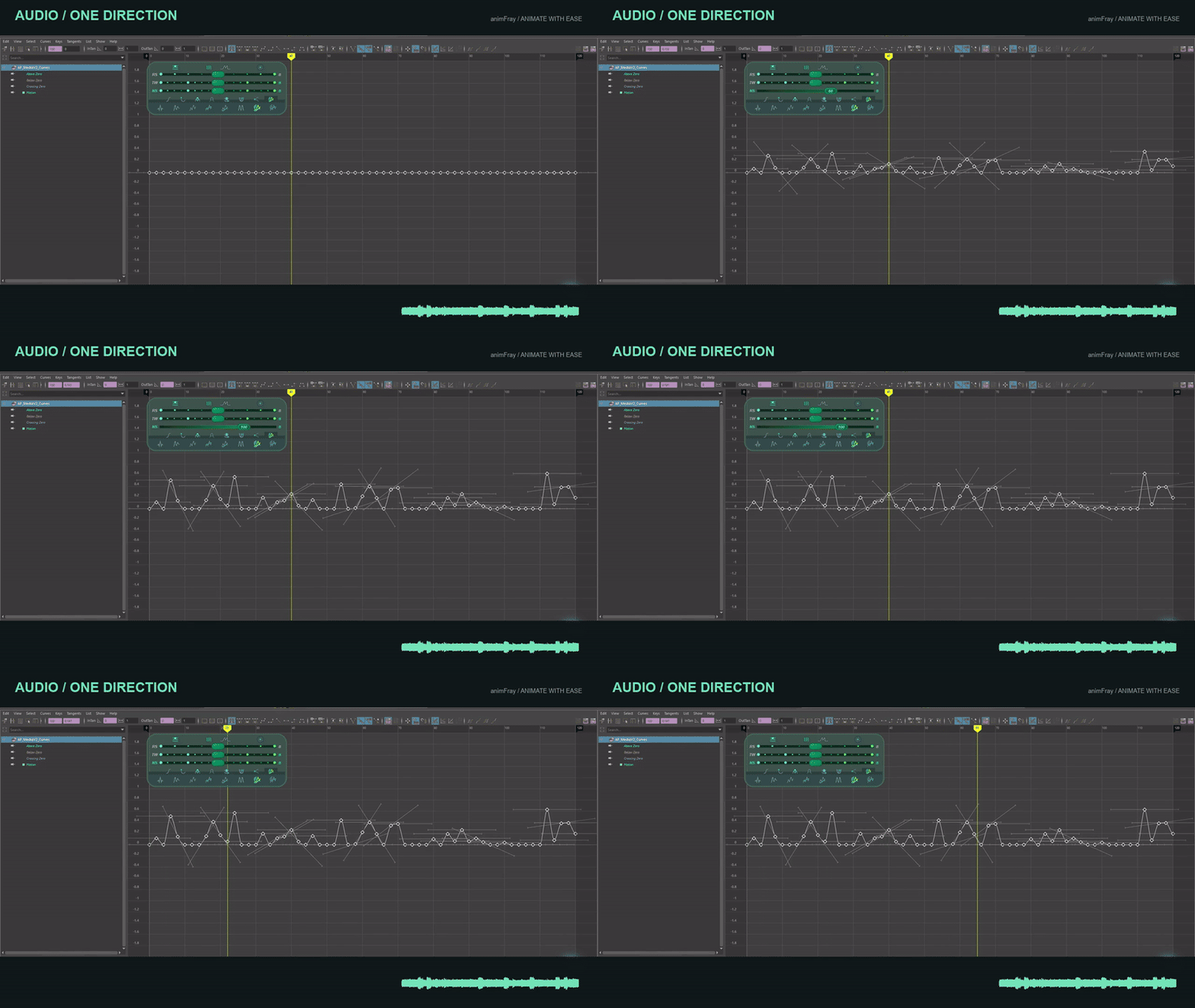
Turn timeline audio into keyframe motion. Set the direction and frequency range.
Watch Timeline Audio →
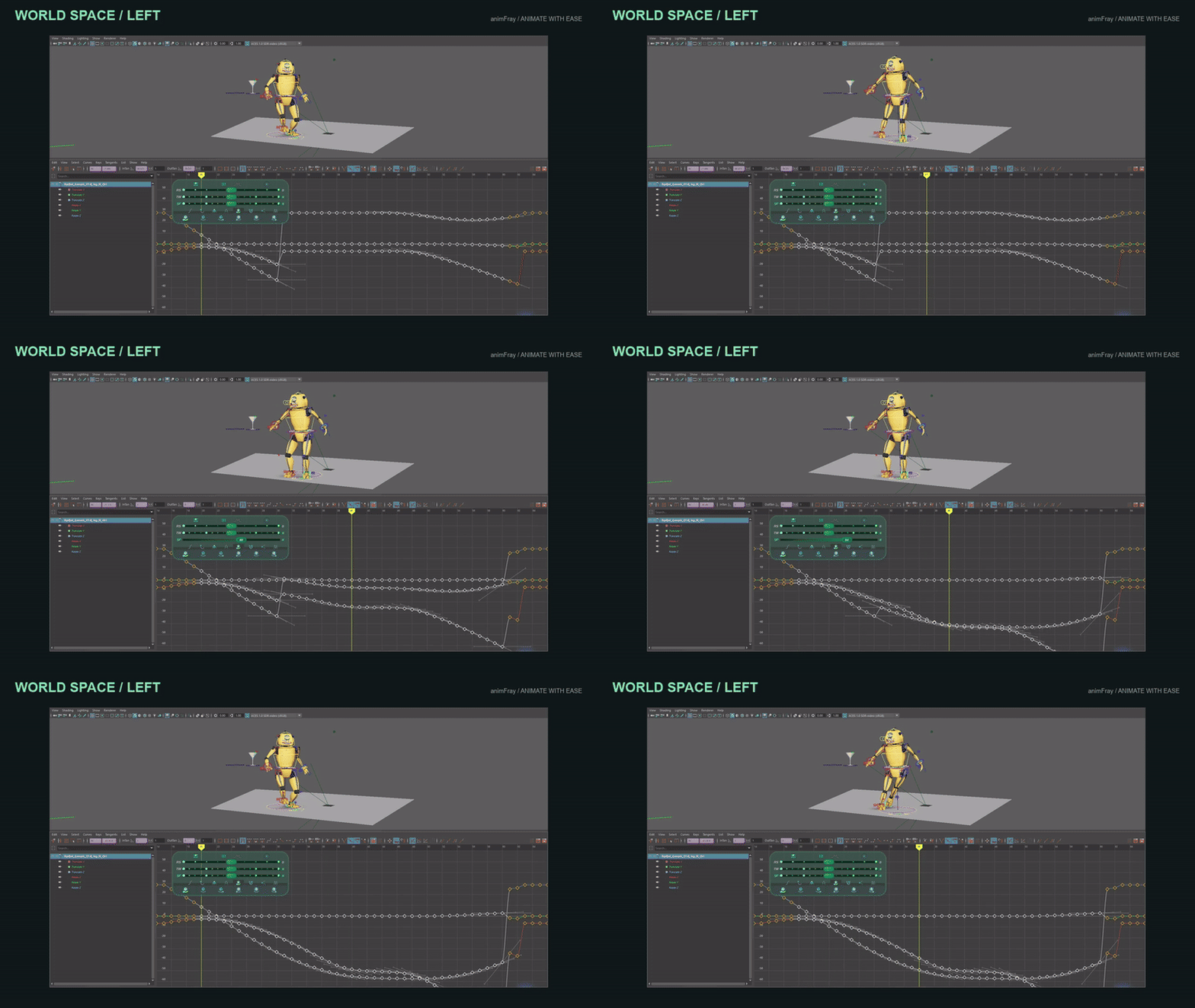
Choose a left, current-frame or right reference in World or Object Space.
Watch World and Object Space →
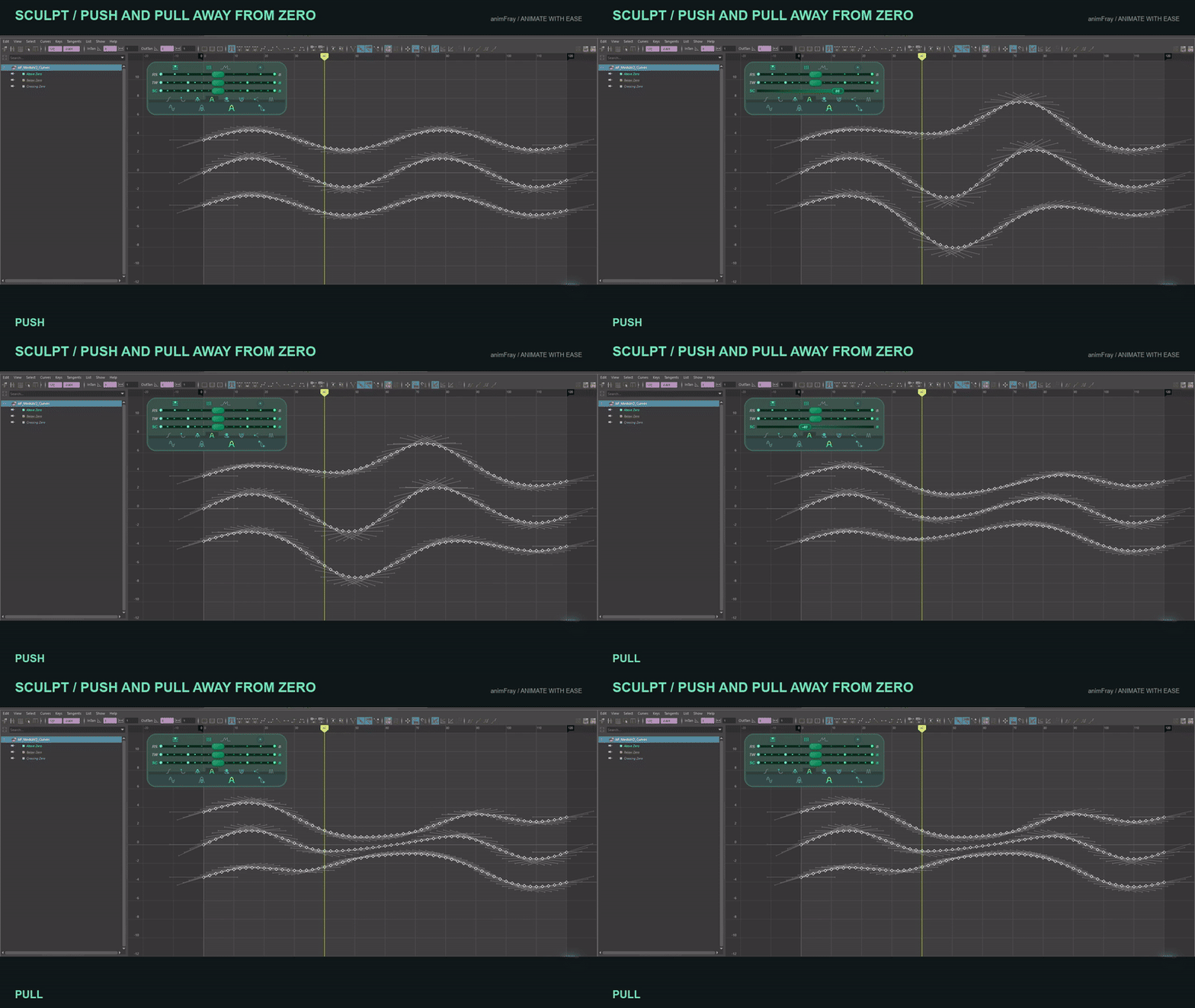
Push and pull away from zero, sculpt a wave, or shape a region with Soft Global and Pinned Max/Min.
Watch Sculpt →
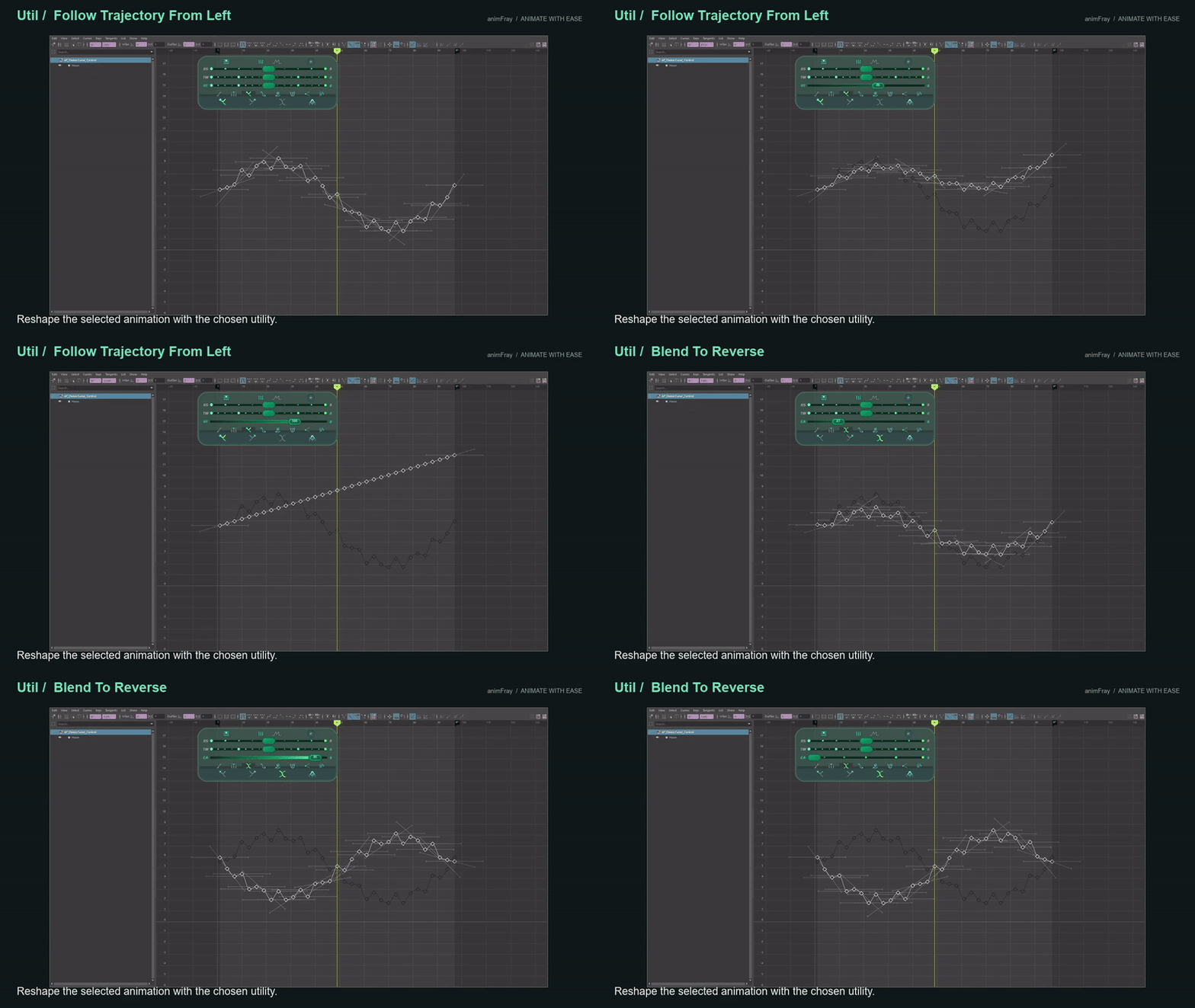
Continue a trajectory from the left or right, or blend the selected animation toward its reversed values.
Watch Trajectory and Reverse →
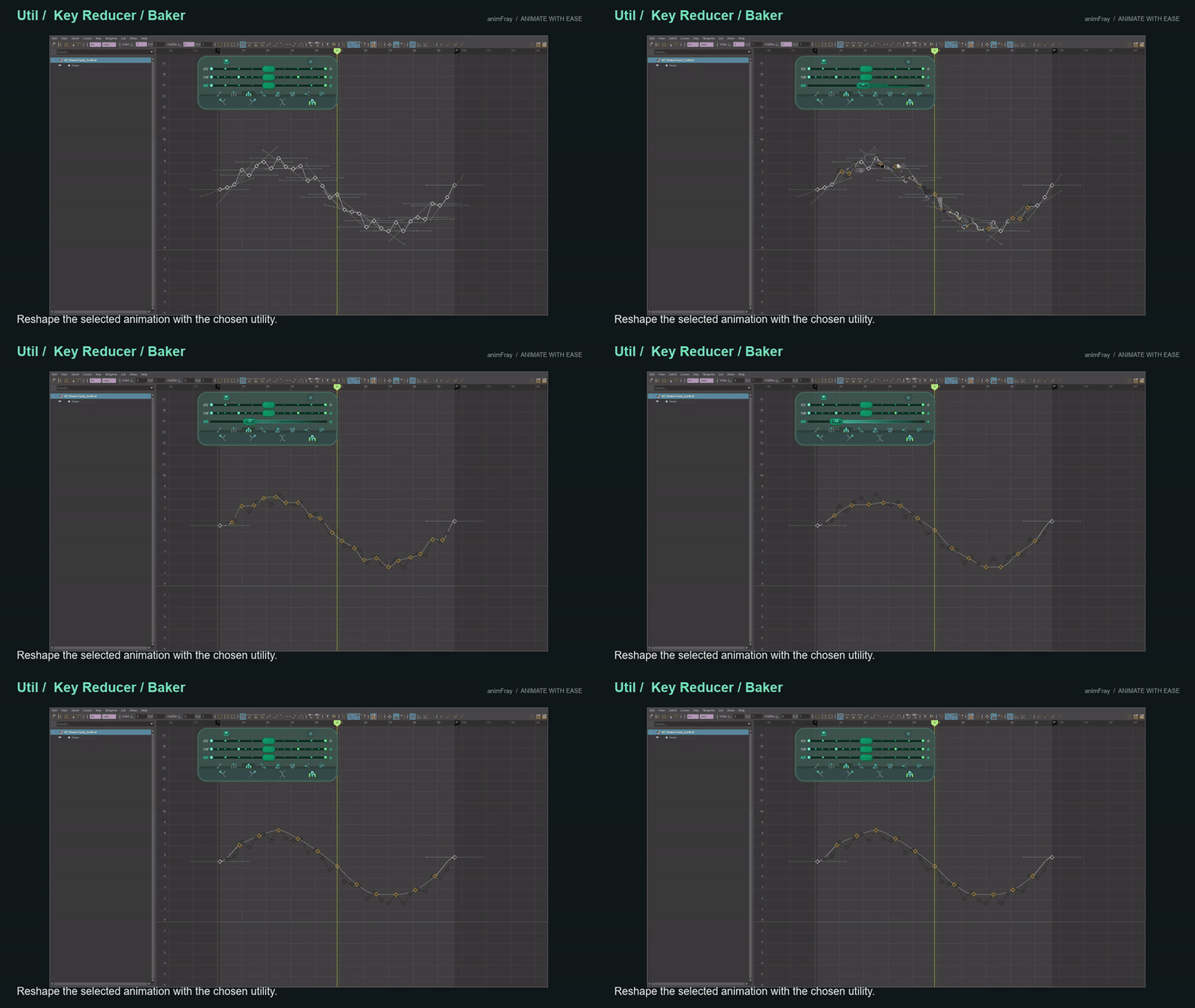
Reduce key density or add keys with the slider. Pro provides Equalized and Optimized modes for working with the curve shape.
Watch Key Reducer and Baker →
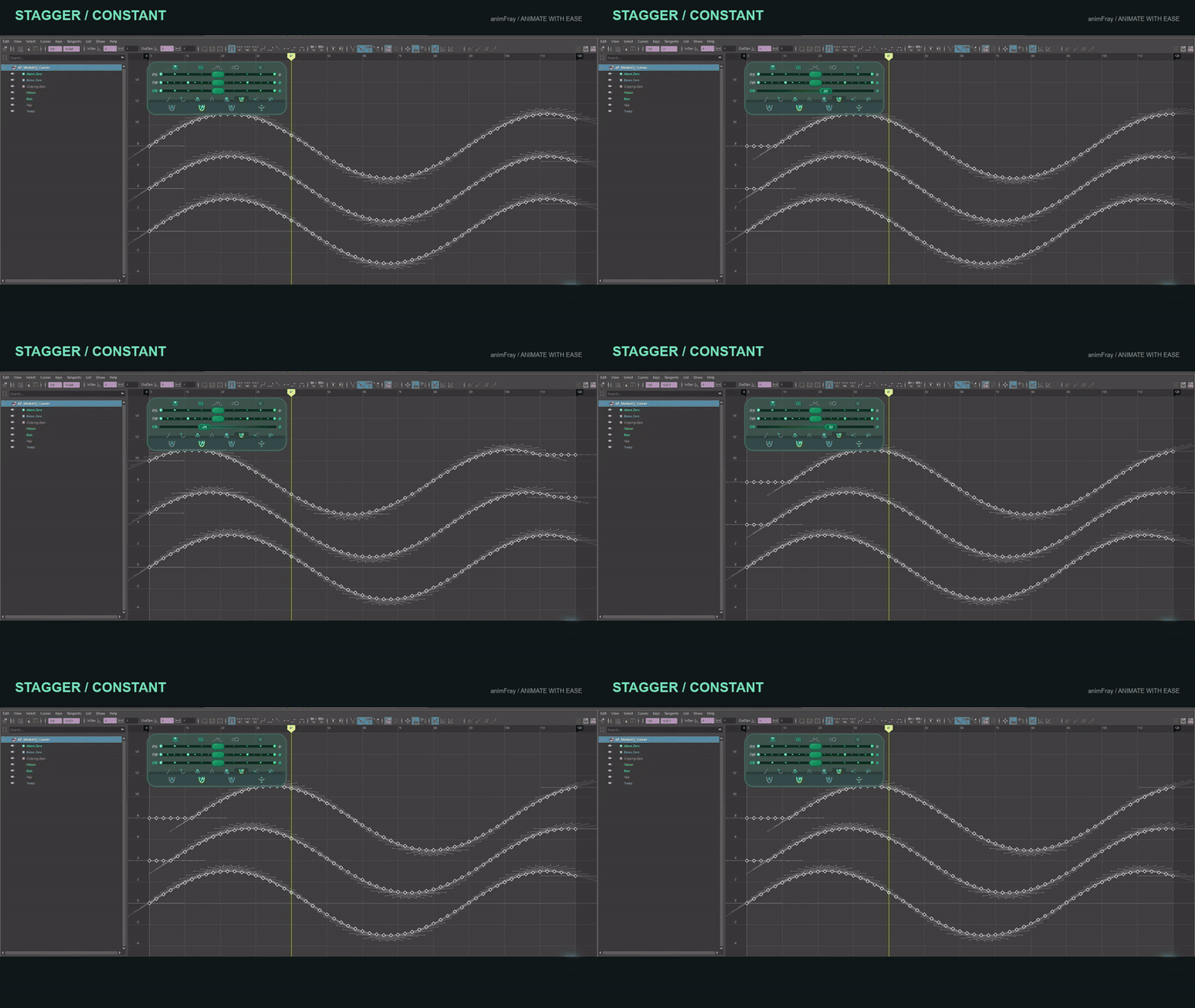
Shift the sampled motion within a range, stagger it across selected objects or curves, or offset values. Time-offset modes preserve existing key times.
Watch Offset and Stagger →
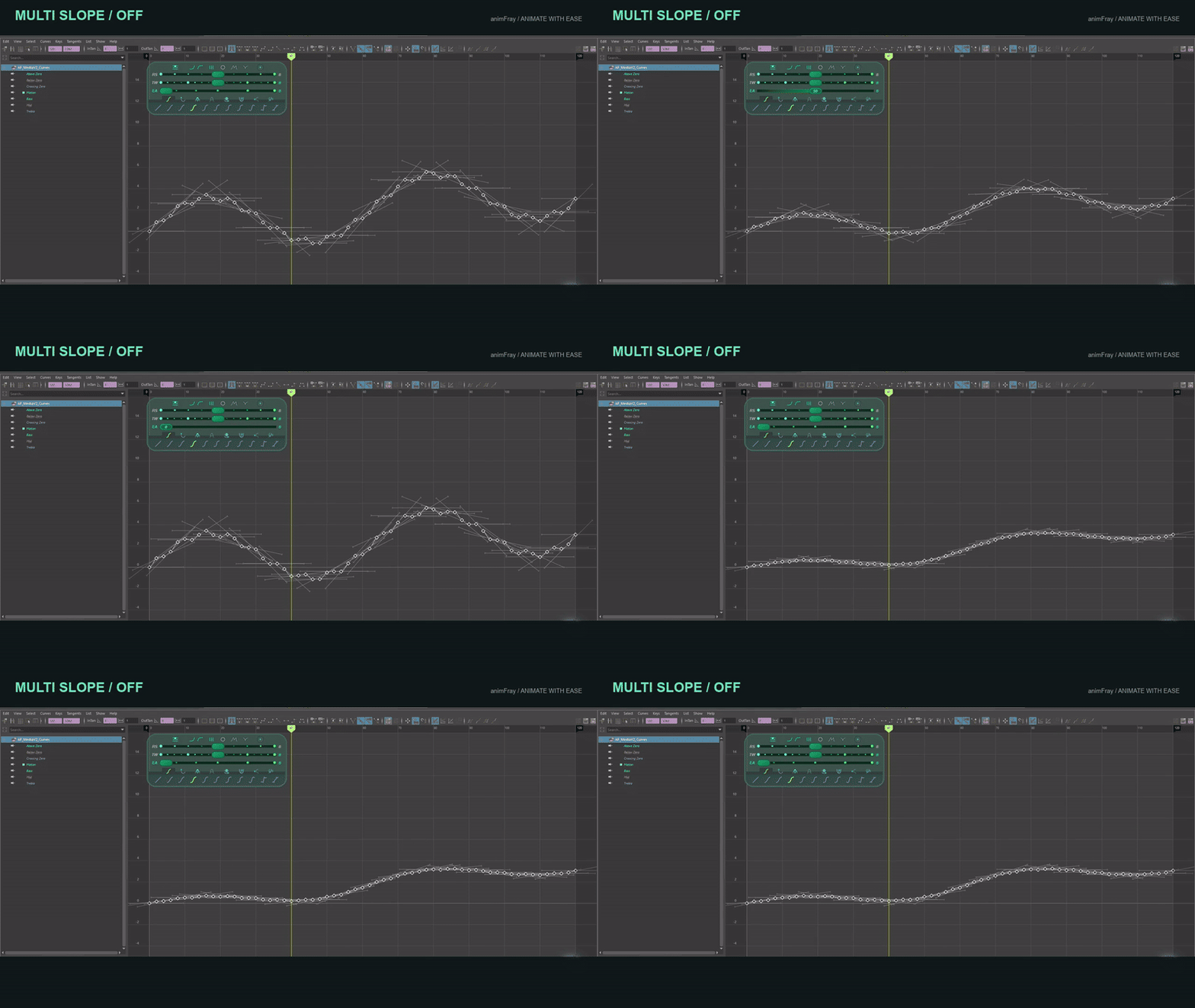
Multi Slope, Preserve Detail, Twin Slope, Global and Stagger change how a method affects your keys.
Watch Tool Modifiers →
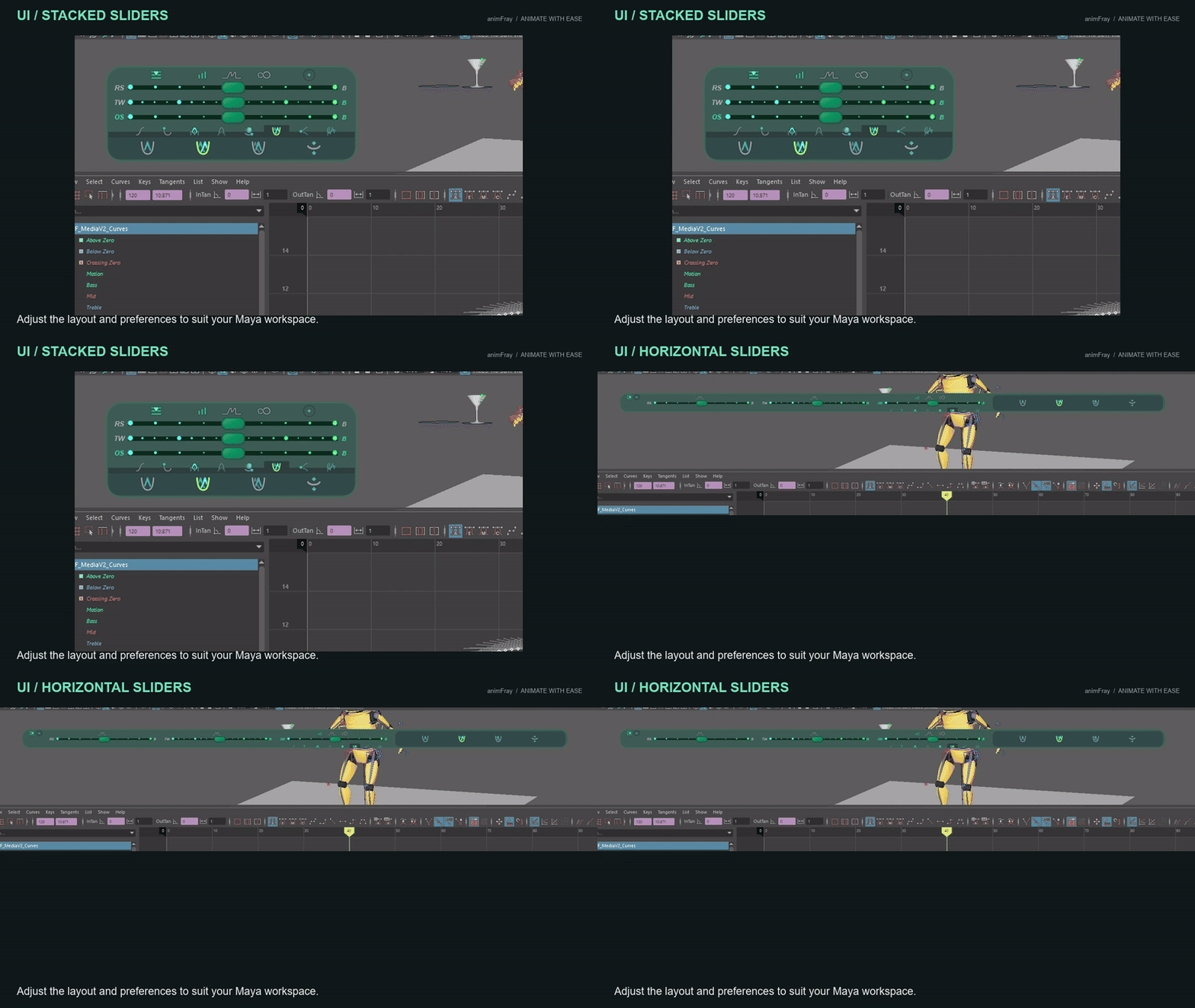
Stacked or horizontal sliders, adjustable size and transparency, and snapping to the Graph Editor.
Watch Smart UI →
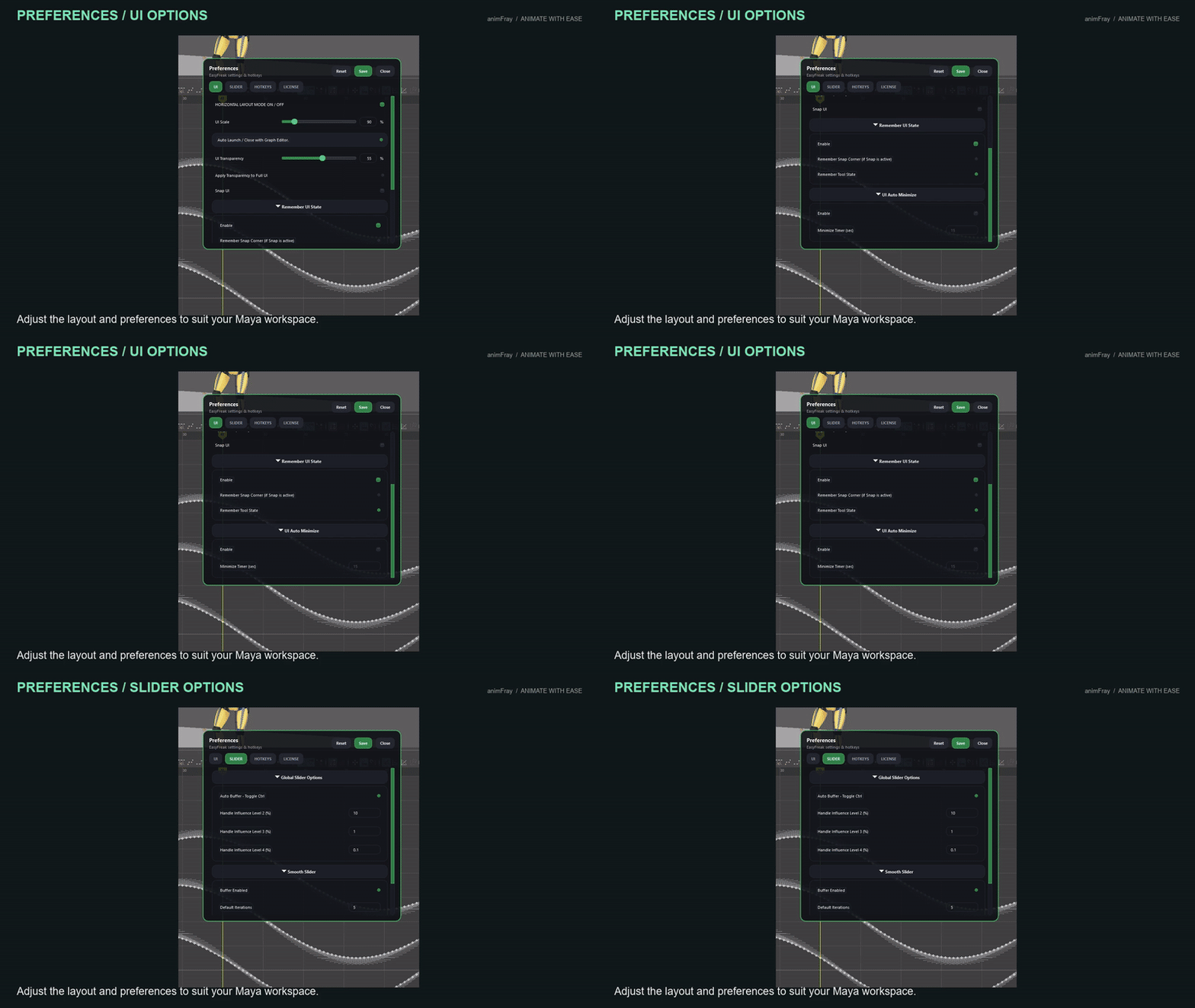
Set your layout, slider behavior and hotkeys in Preferences.
Watch Preferences and Hotkeys →
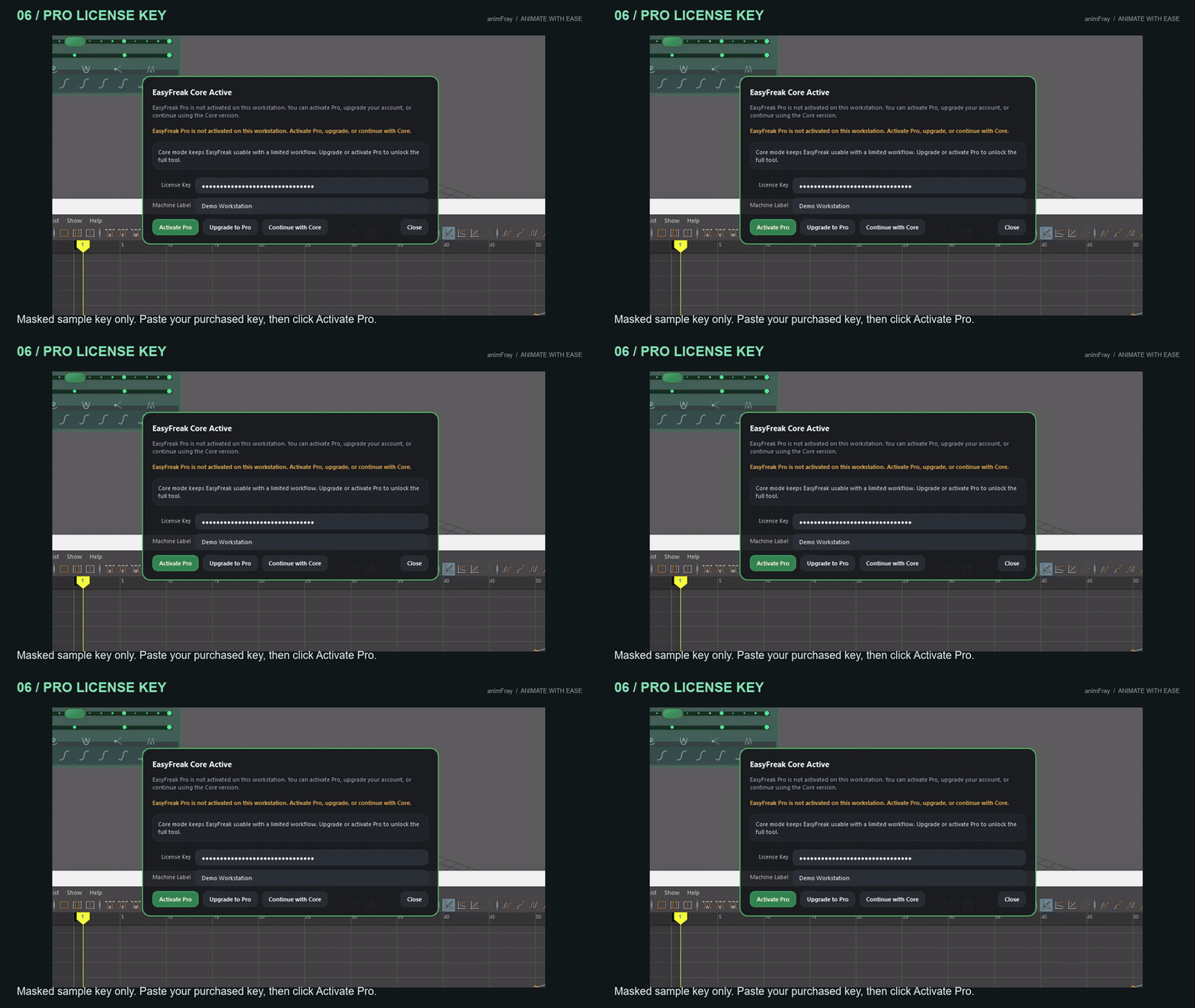
Follow the captioned installer walkthrough and compare free Core with the unlocked Pro interface. The sample key is masked; use your own purchased key to activate Pro.
Watch Install, Update and Activate →
CORE is free and works without a license. Pro unlocks the complete feature set and supports continued development. Download the same EasyFreak application, start with CORE, and activate Pro whenever you need more.
Download and use EasyFreak CORE without purchasing a license. Upgrade from inside EasyFreak tool in Maya whenever you need the additional Pro features.
Pro unlocks the complete EasyFreak feature set through a monthly or yearly personal subscription. Monthly subscriptions include a one-week trial, and yearly subscriptions include a two-week trial.
EasyFreak includes tools for managing an active license, checking for releases, and getting help when something does not work as expected.
EasyFreak Pro purchases and subscriptions are processed securely through Polar Checkout.
For purchases made through Polar Checkout, Polar is the merchant of record and authorized reseller. Polar handles payment processing, billing, receipts, and subscription management. Your EasyFreak license and product access are provided by animFray.
You can manage or cancel your subscription through the Polar customer portal. Subscriptions renew automatically until canceled. When you cancel, the cancellation takes effect at the next billing cycle, so you will not be charged for the following renewal.
Polar handles payment, billing, cancellation, and refund requests. Refund eligibility is evaluated under applicable law, Polar’s applicable refund policy, card-network rules, and the Polar Buyer Terms.
For billing or refund assistance, contact Polar at support@polar.sh.
For EasyFreak installation, activation, licensing, or product support, contact animFray at support@animfray.com.